
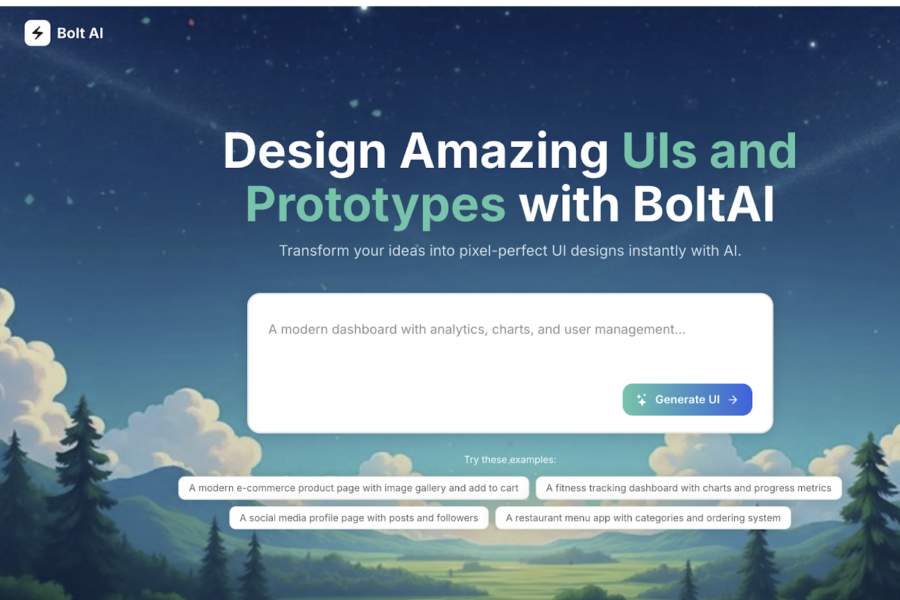
In today’s fast-moving digital world, turning ideas into mobile and web applications used to take weeks — sometimes months — of design and development work. But now, with the rise of AI-driven design tools, that timeline has collapsed from weeks to hours.
At the forefront of this transformation is BoltAI.dev, a cutting-edge platform that uses artificial intelligence to generate responsive mobile and web app designs from simple natural-language descriptions.)
Whether you’re a solo entrepreneur, UI/UX designer, or product manager, BoltAI.dev empowers you to move far faster from idea to prototype — often without writing a single line of code.
How BoltAI.dev Works — From Thought to Design in Minutes
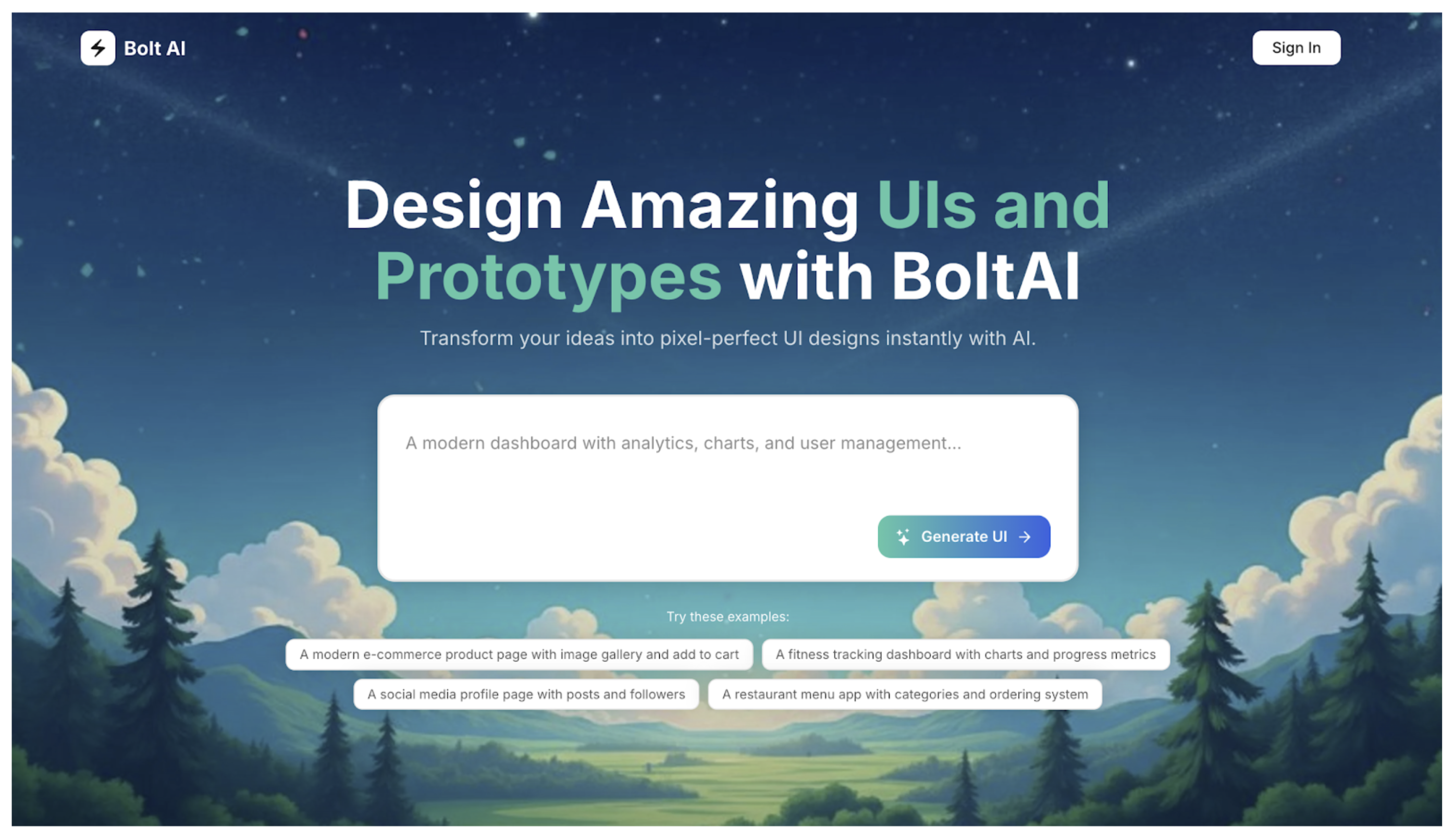
BoltAI.dev’s workflow is incredibly straightforward and intuitive — even for non-designers:
- Describe Your App Idea
Use plain English to describe what you want. For example:
“Build a signup and login mobile screen with clean design and bold colors.” - AI Generates UI Screens
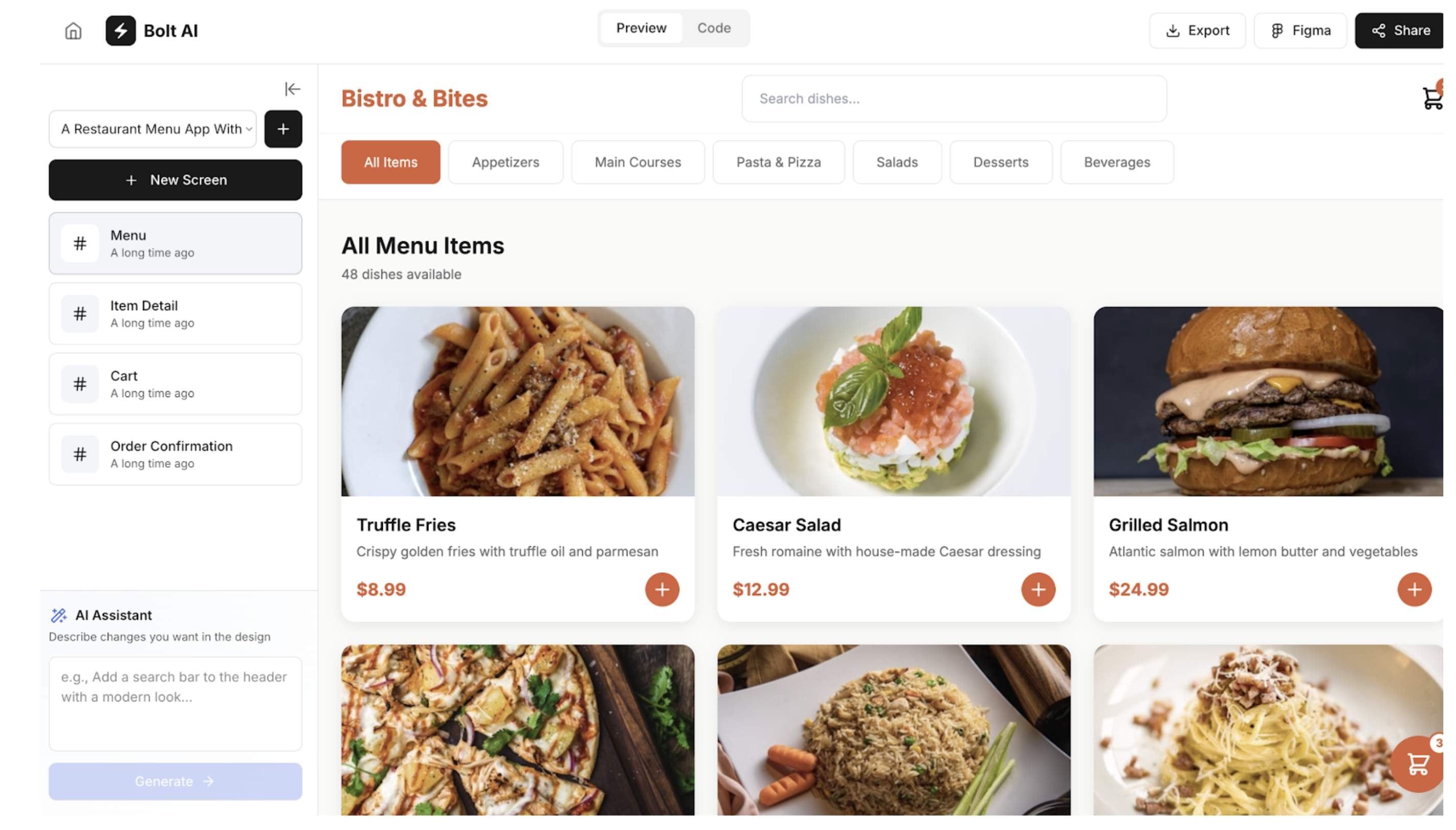
BoltAI.dev analyzes your prompt and generates responsive UI designs that match your description. - Preview & Iterate
You can test navigation flows and refine layouts in real time — no downloads, no installs. - Export or Share
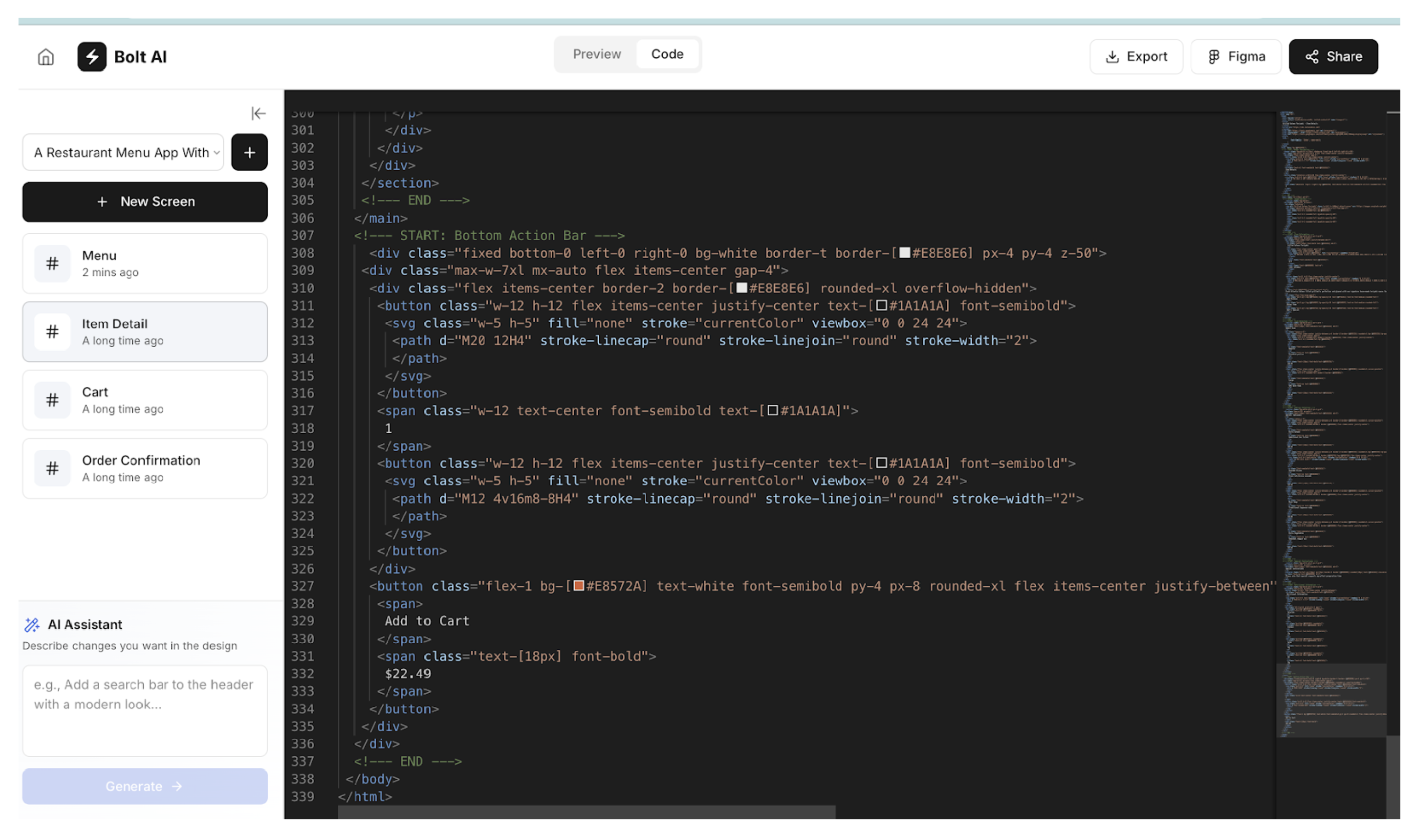
- Once you’re happy with the design,
- Copy code to HTML
- Download as png, jpeg, webp
- Download to Figma and continue to make changes
- This process removes traditional design bottlenecks and lets you iterate on ideas faster than ever before.
Key Features of BoltAI.dev
BoltAI.dev stands out because it combines simplicity with power. Here are some of its most valuable features:
1. AI-Powered UI Generation
BoltAI.dev turns text prompts into full UI screens — including layouts, navigation elements, and component placement — so you immediately get a usable design without manual drawing. (AI With Me)
2. Rapid Prototyping
Instead of spending hours in traditional design tools, BoltAI.dev lets you go from concept to interactive prototype within minutes — ideal for early feedback, demos, or pitch decks. (Appscribed)
3. Example-Driven Inspiration
The platform offers suggested prompts and design examples to help spark ideas, even if you’re not sure how to describe what you want. (AI With Me)
4. Free Access
Unlike many AI tools that lock functionality behind high price tiers, BoltAI.dev offers free tiers so anyone — students, freelancers, startups — can experiment with AI design. (AI With Me)
5. No Design Experience Needed
You don’t need prior UI knowledge. The tool understands plain-language descriptions and applies modern design standards automatically. (AI With Me)
Together, these features make BoltAI.dev accessible while still powerful — especially for teams looking to prototype quickly.
Why BoltAI.dev Matters in 2026
Digital products are everywhere — from mobile consumer apps to internal enterprise web applications. But traditional UI design often involves:
- Drawing wireframes in multiple tools
- Iterating layouts manually
- Translating visuals into coded prototypes
BoltAI.dev entirely short-circuits this cycle by using AI to automate the early design stages. This has three major implications:
1. Faster Feedback Loops
Designers and product owners can test and revise ideas instantly. Instead of waiting days for design updates, stakeholders see changes in real time.
2. Reduced Costs
Teams don’t need to hire as many designers or wait for external UI contractors — BoltAI.dev fills that gap with automated visual generation. (AI With Me)
3. Greater Accessibility
Non-technical founders, marketers, and business owners can bring ideas to life without learning complex design systems.
This democratization of design fits perfectly with today’s lean startup methods and rapid iteration cycles.
Who Should Use BoltAI.dev?
BoltAI.dev isn’t just for designers — it fits a wide range of users:
Product Managers
Quickly validate concepts with stakeholders before committing engineering time.
Entrepreneurs & Founders
Turn ideas into visual prototypes for pitches, user testing, or investor decks.
UI/UX Designers
Use AI designs as a starting point to save time and focus on refinement and detail.
Developers
Get clear UI visuals ready for hand-off, reducing ambiguity and speeding up frontend implementation.
Students & Learners
Practice modern UI concepts and explore design principles without needing professional tools.
Even if you eventually bring in professional designers or builders, BoltAI.dev accelerates the early design phases across the board.
Real-World BoltAI.dev Workflows
Here’s how teams typically incorporate BoltAI.dev into their process:
1. Idea Validation
Start with a concept — e.g., “create a mobile onboarding flow” — and use BoltAI.dev to generate multiple screen layouts. Share these with users for early feedback.
2. Collaborative Workshops
During brainstorming sessions, teams generate UI screens together in minutes, helping everyone align on the user experience without waiting for a single designer.
3. Developer Handoff
Once screens are ready, designers export prototypes or visuals and pass them to developers with clear specs — saving translation time and reducing errors.
Tips for Using BoltAI.dev Effectively
To get the most out of AI design generation:
✅ Be specific with prompts — describe colors, layout preferences, platforms (mobile vs web).
✅ Use examples — try prompts that reference patterns (e.g., “dashboard with cards, sidebar, header”).
✅ Iterate — refine designs gradually instead of expecting perfect output on the first try.
✅ Export early — share prototypes with teammates to gather feedback fast.
These best practices unlock greater creativity and ensure designs stay aligned with real user needs.
Case Study 1: Startup MVP Built in 72 Hours
A fintech startup founder wanted to build a budgeting app. Traditionally, this would involve:
- Hiring a designer
- Creating wireframes
- Iterating mockups
- Preparing development specs
Instead, the founder used Bolt AI.
Process:
- Generated onboarding screens
- Created dashboard UI with expense charts
- Built profile and settings pages
Within two days, the founder had a complete visual prototype.
Impact:
- Investor demo ready in under a week
- User testing conducted before writing backend code
- Saved approximately $5,000 in early design costs
Bolt AI allowed validation before heavy investment.
Case Study 2: Enterprise Product Team Reduces Design Bottlenecks
A mid-sized SaaS company faced delays because design requests piled up faster than designers could respond.
They integrated Bolt AI into early ideation phases.
Implementation:
- Product managers generated feature mockups independently
- Designers refined only final versions
- Developers received clearer specifications
Result:
- Design backlog reduced by 40%
- Feature validation cycle shortened from 2 weeks to 4 days
- Improved cross-team alignment
Bolt AI did not replace designers — it amplified team efficiency.
Case Study 3: Freelance Designer Doubles Output
A freelance UI designer managing multiple clients used Bolt AI for initial drafts.
Workflow:
- Generate base layouts in minutes
- Customize typography and brand elements
- Deliver faster turnaround times
Outcome:
- Increased project capacity
- Improved client satisfaction
- Higher revenue due to faster cycles
Bolt AI acted as a productivity multiplier.
ConclusionFor anyone building mobile or web applications today, BoltAI.dev is a game-changer. It transforms natural language prompts into professional UI designs, accelerates prototyping, and makes early design accessible to non-specialists. Whether you’re validating a concept, pitching to investors, or collaborating with developers, BoltAI.dev helps you bring visual ideas to life faster and more efficiently than ever before.

